Google review QR code, with a poster to print
Most happy customers never leave a review because nobody asked at the right moment. Paste the review link from your Google Business Profile, and get a QR code and a poster for your counter, reception or table, in the language your customers read.
runs in your browser — nothing is sent anywhere
Fill in the content to make your code
Size (px)

Ask me about your website on WhatsApp
See what a website for your business would costOpens WhatsApp with a message already written. Nothing is sent until you press send.
Was this tool useful?
No ratings yet: be the first.
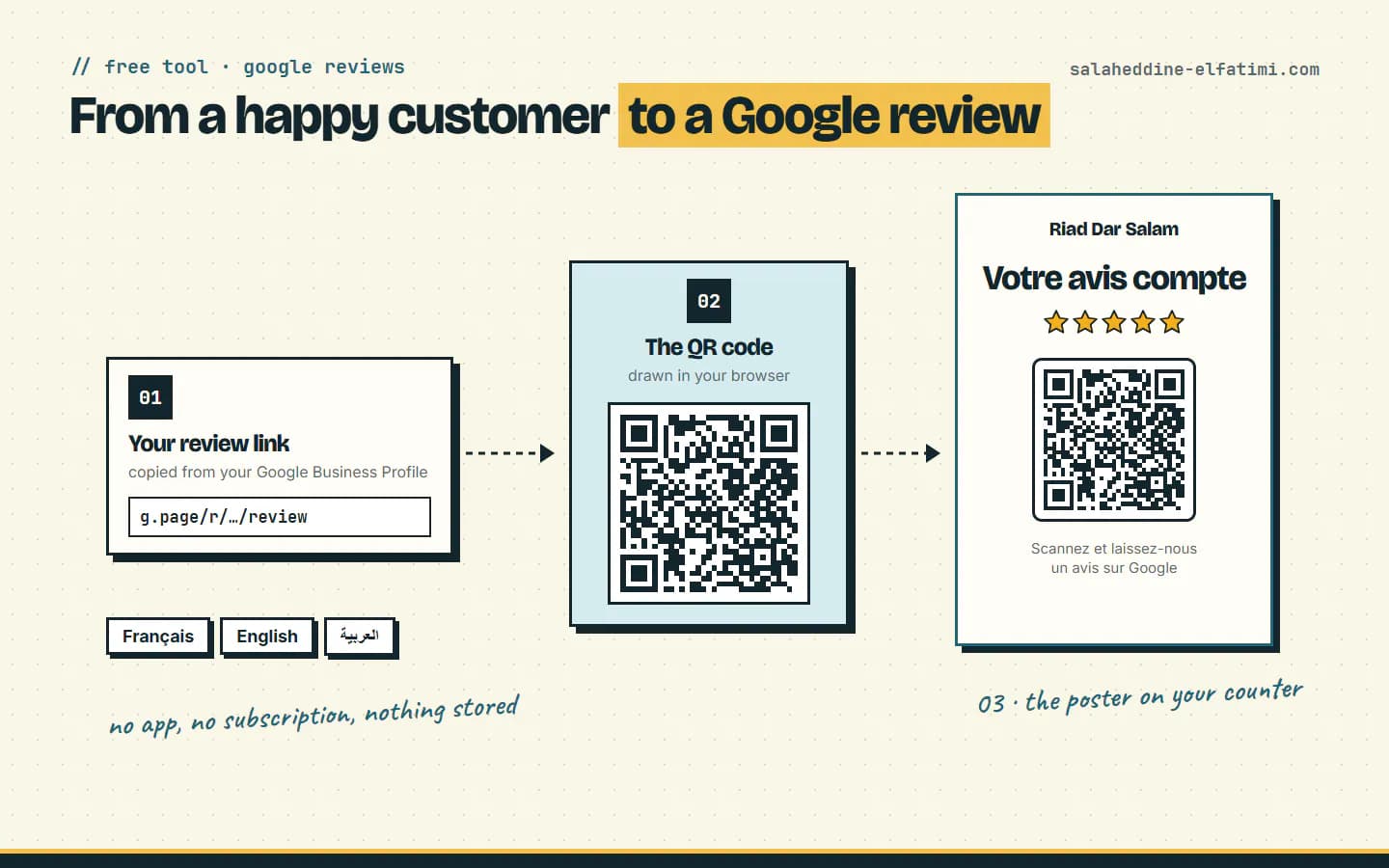
How it works
- 1.Google gives every Business Profile a link that opens the review form directly. You copy it from your profile on a computer: Read reviews → Get more reviews → Copy.
- 2.The QR code is that link, drawn in your browser. It doesn't expire and there's no subscription: it works as long as your profile exists.
- 3.The poster puts the QR code under a short request in your customers' language, so they scan it while they're still at your place.
Questions
- Where do I find my Google review link?
- On a computer, open your Business Profile, select Read reviews, then Get more reviews, and copy the link. Google only offers this on a computer browser, not on the phone app.
- Can I offer a discount or a gift for a review?
- No. Google's rules say reviews must reflect a genuine experience, and offering free or discounted goods or services in exchange for reviews is strictly prohibited. Ask every customer the same way, happy or not.
- Does the QR code expire?
- No. It's a plain QR code of your review link, not a tracking service, so it keeps working as long as your Business Profile exists.
- Where should I put it?
- Where customers wait or pay: the counter, the reception desk, the table, the room. Google also suggests receipts, thank-you emails and the end of a WhatsApp chat.
- Is my link saved anywhere?
- No. The QR code and the poster are made in your browser. Nothing you type is sent anywhere or stored.